
A QR on every table. Order, call staff, pay — without leaving the seat.
Each table gets its own unique QR code. Customers scan, browse the menu, place an order, call the waiter, or ask for the bill — all from their phone. Geofencing prevents fake orders placed from outside the restaurant.
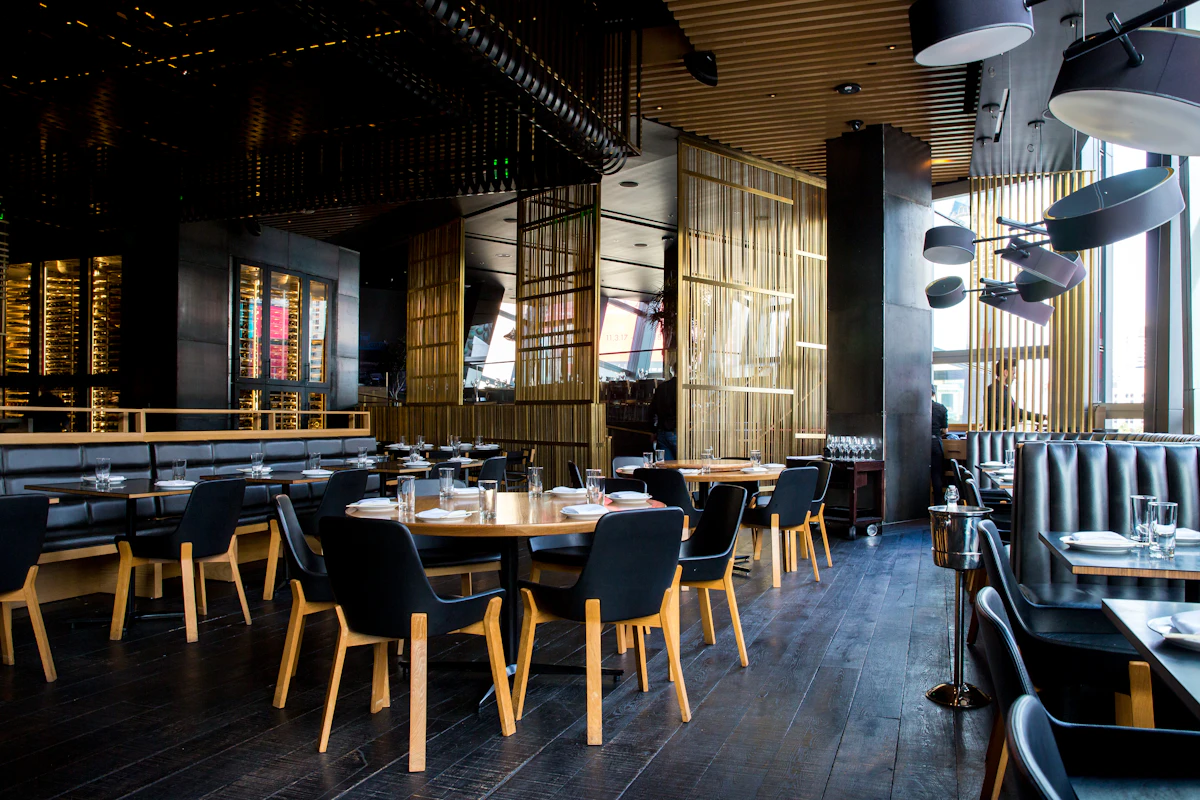
What Table QR does for your business
Per-table QR with waiter call button
Each table has a unique token. When a customer taps "Call Waiter", you see exactly which table needs attention.
Geofence protection against fake orders
Orders are only accepted within your restaurant's geofence radius. Customers cannot place fake orders from home.
Ask for bill from the table
Customers tap "Ask for Bill" and staff get notified instantly — no more waving arms across the room.
Set up in minutes
Generate table QR codes
Go to Tables in your dashboard, add tables by number or name, and download QR codes to print.
Place QR codes on each table
Print and laminate, or use Aarozi table standees. Each table has a unique QR.
Customers scan and order
Customer scans, orders, calls staff or requests bill — all from one screen on their phone.
BEST FOR
Frequently Asked
Ready to try Table QR?
Set up in 10 minutes. Free to start. No credit card needed.